

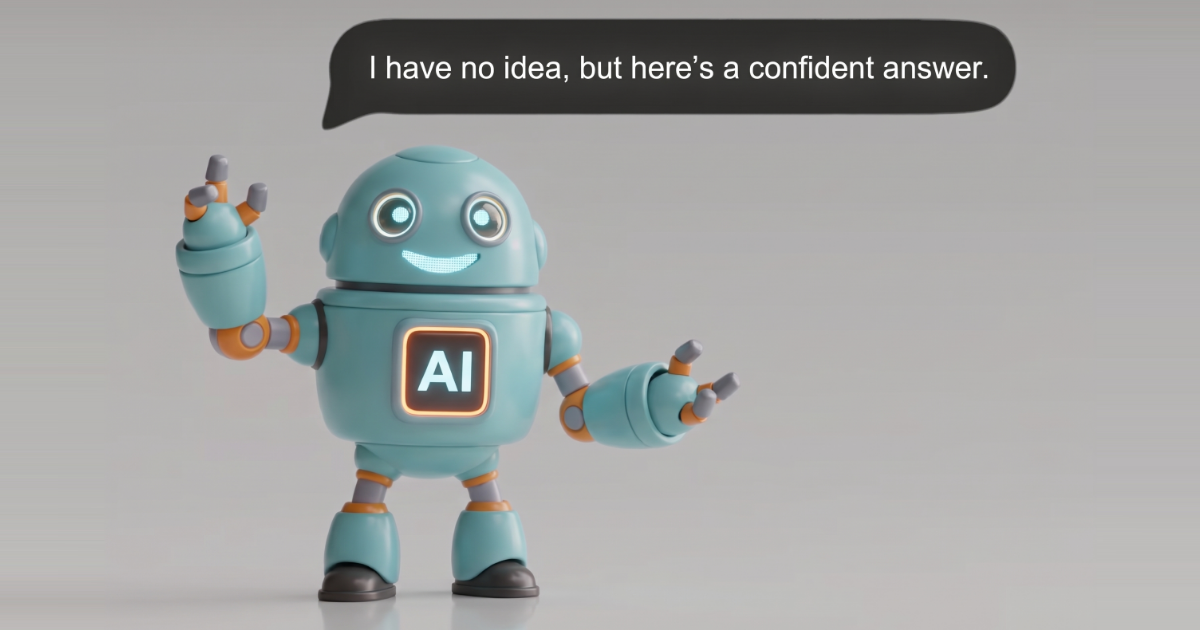
In short: A confidently wrong answer is an answer from an AI assistant that is precise, well explained and wrong, in a way you can't spot without real effort. On business data it usually isn't the model's intelligence that fails. The fact that decides the answer (a currency, a duplicate, a missing table) isn't in the data the AI can see.
The definition
Radim Marek, who leads Data to AI at Dataddo, puts it simply: a confidently wrong answer is one you can't tell is wrong without significant effort.
It has three parts:
- It's wrong. The number doesn't match what your finance or sales team would compute.
- It looks right. It's in the plausible range, the working is explained, and nothing in the answer hints at a problem.
- It's stated with certainty. No caveat, no "assuming that...", no question back to you.
Clip: What is a confidently wrong answer?
Why it's worse than an error
When an AI query crashes, you know. You rephrase, retry, or ask someone. The cost is a few minutes.
A plausible wrong number costs more, because you build on it. It goes into the board deck, the forecast or the budget. The next question starts from it. An investigation can run for days in the wrong direction before anyone checks the first figure. You lose the tokens, then the time, then some trust in every number the assistant gives you after that.
Finance makes this sharpest. Ask for EBITDA and there is exactly one right answer. Close enough is wrong.
Why it happens
An assistant connected straight to a database or a spreadsheet sees tables and columns. It doesn't see what your team knows about them: that one pipeline is for testing, that a month isn't over yet, that two reports overlap, that "won" is a different stage code in each sales process.
So it does what a capable new hire does on day one: it makes the most reasonable assumption and carries on. The data is correct, the question is reasonable, and the answer is wrong, because the fact that decides it lives outside the data.
A more capable model doesn't remove the problem. It makes more plausible assumptions and explains them more convincingly, which can make the wrong ones harder to catch. In our NetSuite benchmark, even the strongest model tested still gave confidently wrong answers on a raw SQL connection (see the benchmark results).
The traps fall into three groups:
- Counting wrong: rows counted twice, an average of averages, test records or cancelled orders included.
- Meaning wrong: currencies added together, codes instead of words, the same word meaning different things in two systems.
- Data missing: a month that isn't over, an old copy of the data, history that was never kept.
Three real examples
These come from the benchmark Radim presented in our 19 November webinar: finance questions asked of AI models connected directly to a NetSuite database.
1. The same wrong number, twelve times. How many units did we invoice in 2025? The right answer is 16,810. Thirteen invoice lines were in the data twice, and 12 runs in a row answered 16,836. Asking the same question twice is a good test, but this shows its limit: an answer can be perfectly consistent and still wrong.
2. The right maths on the wrong meaning. What share of invoiced value falls in each currency? Currencies are stored as numeric IDs. One model reported that 88.47% of value was in currency ID 1. That ID is Czech koruna, and its real share is 1.34%. The model had guessed which way to apply the exchange rate and got it backwards.
3. An answer to a question the data can't answer. What was our best-selling product in 2025, by product name? The data holds no product names. Models found a column that looked close enough and named three different "best sellers" across six runs. The correct answer was to say the names aren't there.
How to catch one
The first defence is a habit: before you trust an AI number, check it against one you already know. Six quick checks cover most of the traps:
- A number you already know. Does it match last month's revenue from the report you trust?
- The same question twice. Do you get the same number in a new conversation? (Necessary, not sufficient, as example 1 shows.)
- A month that isn't over. Does it mention that this month isn't finished?
- A total that mixes things. Ask across currencies or overlapping reports. Does it notice?
- A question it can't answer. Ask about data you don't keep. Does it say so, or give you a number?
- "How did you get that?" Can it say where the number came from, what it left out and how current it is?
The benchmark whitepaper turns these into a 20-minute test you can run on the assistant your team already uses.
How to prevent one
Telling the AI to be careful helps a little. Giving it agreed definitions, and making it use them, helps much more. An assistant that doesn't guess has four habits:
- Define: every key number has one agreed definition, and the assistant uses it instead of inventing one.
- Label: if data is incomplete, the answer says so next to the number.
- Cite: every answer says where the number came from, how current it is and what was left out.
- Decline: when the data can't answer, the assistant says so, and why.
That is the job of Data to AI. Your definitions sit in a layer the AI can't bypass: it picks metrics and fields, and the server builds the query, so a sum that would double-count, mix currencies or invent a product name is blocked or declined before it reaches you. Every number arrives with a receipt showing where it came from.
Does it work? Across every model in our NetSuite benchmark, confidently wrong answers fell on Data to AI. With Sonnet 5 they went from 19 to 8 out of 63 runs, 58% fewer. The full results cover accuracy, cost per question and personal data.
Try it on your own data
Run the six checks on the assistant you use today. Then ask the same questions through Data to AI. Start free, or read more on the Data to AI page.
Comments